LIVE MULTIPLAYER8 PLAYERS40 WEAPONS

Every web page is a battlefield.

Liero.page turns the page you're on into a destructible arena. Headlines become ledges, photos become cover, and rockets leave craters in the news. Your friends join with a link.

Add to Chrome

No install to try it. A D move, W jump, click to shoot, right-click to swing. Esc for the menu.
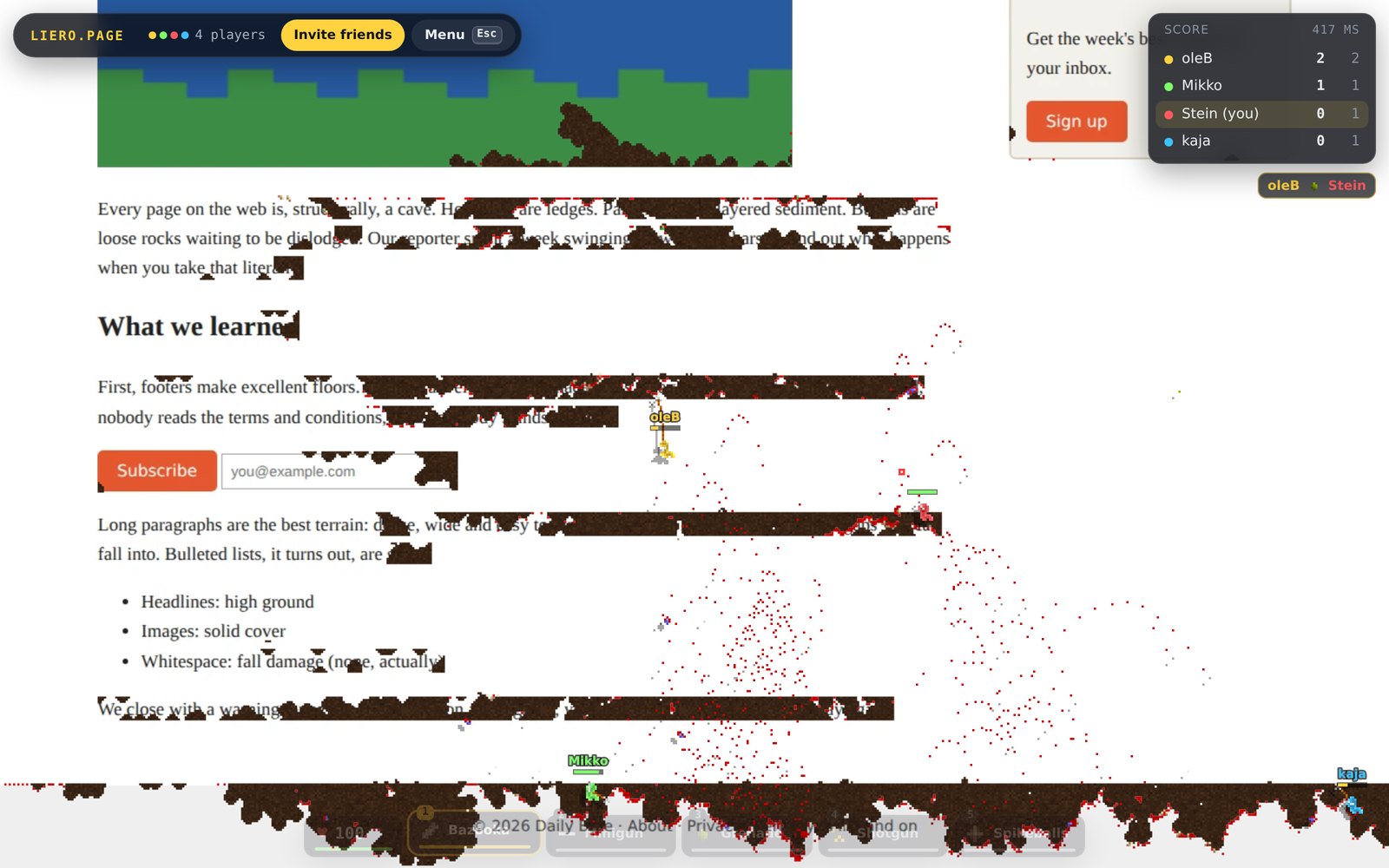
dailybyte.news/rope-physics-considered-harmful
Two worms fighting on a news article: craters through the text, a ninja rope swinging from a paragraph.
▸ THE BIG IDEA

You're looking at the map.

Hit play and this exact page freezes into a level. Everything you see is solid ground, and everything solid can be blown up.

  • HeadlinesHigh ground. Easy to rope onto.
  • ParagraphsDense terrain to tunnel through.
  • ImagesCover, until it isn't.
  • ButtonsLoose rocks. Knock them out.
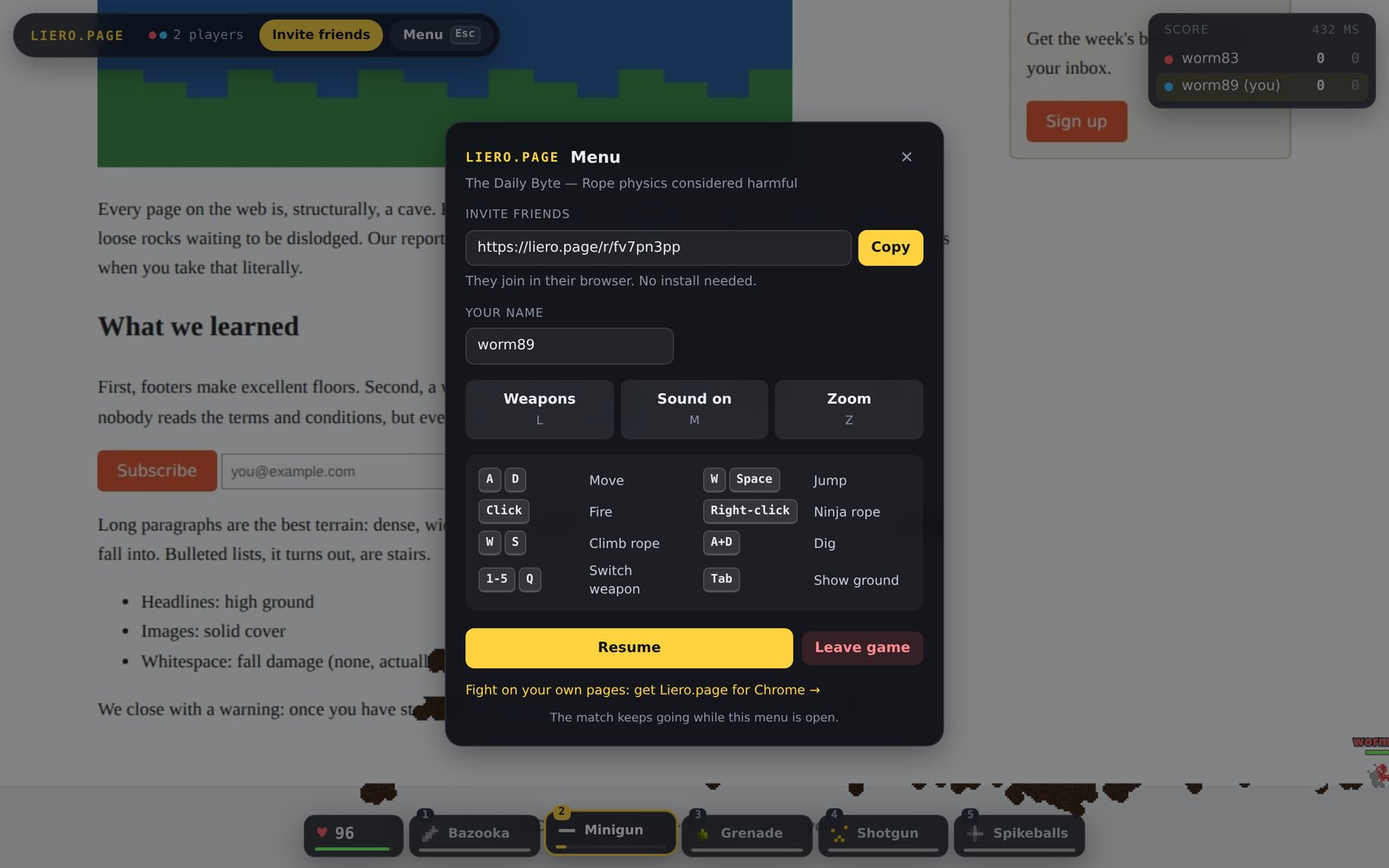
liero.page/r/fv7pn3pp
The in-game menu with the invite link, your name and the controls.
▸ HOW IT WORKS

Any page. Any friend. Ten seconds.

Only the host needs the extension. Everyone else just opens the link.

1

Open any page

A news story, a Wikipedia article, your company's careers page. Scroll to where you want to fight.

2

Click the icon

The page turns into a map exactly as you see it. The real site is never changed: leave the game and it's all back.

3

Send the link

Friends open it in Chrome, Safari or Firefox and drop straight into your match. Nothing to install.

▸ THE ARSENAL

40 weapons. Pick 5.

The full classic arsenal, with the original physics: bazookas, guided missiles, cluster bombs, napalm, mines, nukes, and a ninja rope to swing across the page between kills.

Press L in a game to choose your five. 1–5 switch between them.

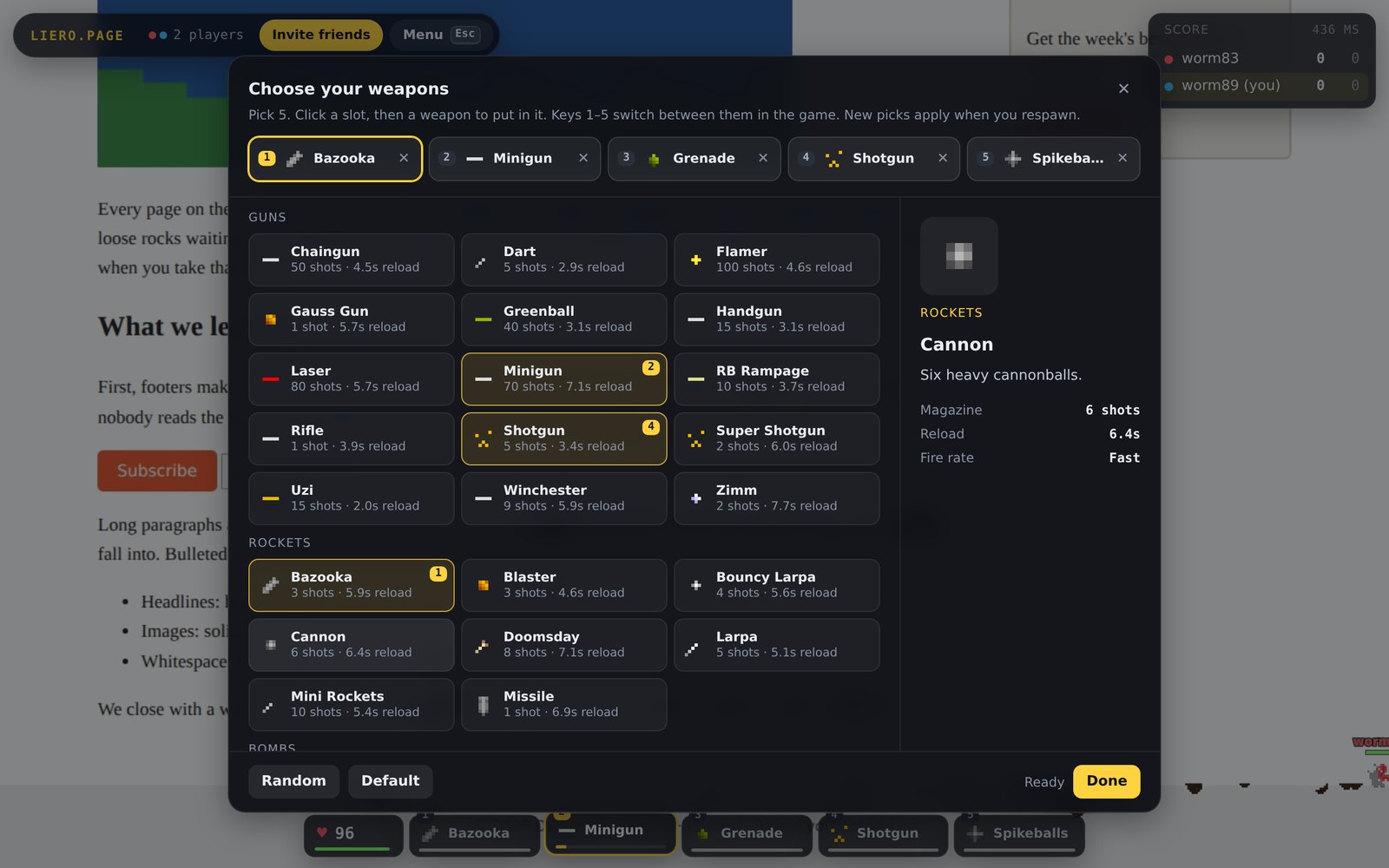
Choose your weapons
The weapon picker: 40 weapons grouped into guns, rockets, bombs and traps.
▸ CONTROLS

Keyboard and mouse.

ADMove
WSpaceJump
ClickFire (aim with the mouse)
Right-clickNinja rope
WSClimb the rope
A+DDig
1–5Switch weapon
LChoose weapons
TabShow solid ground
EscMenu, invite, leave
▸ QUESTIONS

FAQ

Does it change the website?

No. Liero.page takes a snapshot of what's on your screen and plays on that. Leave the game and the page is exactly as it was.

What do my friends see?

The snapshot of your screen, like sharing a screenshot. Pick a page you're happy to show, not your inbox.

Does it work on every site?

Almost. Chrome doesn't let extensions run on its own pages (settings, the Web Store) or some PDFs.

Do my friends need to install anything?

No. Invite links open the game in any desktop browser. Only the host needs the Chrome extension.

Can I play on my phone?

Not yet. You need a keyboard and mouse.

Is it free?

Yes.

Ready? Wreck this page.

Play here right now, then invite a friend from the menu.

Add to Chrome